
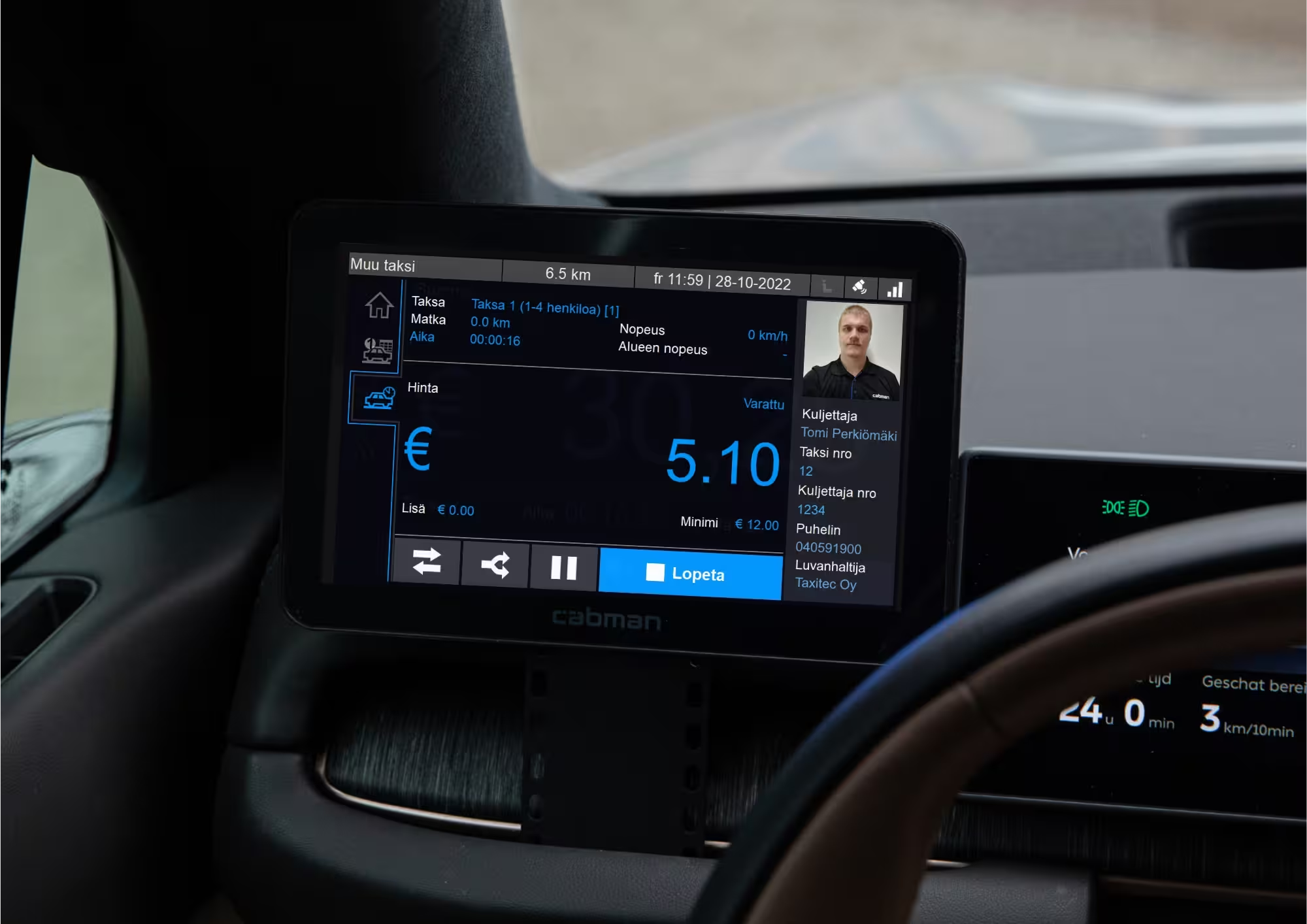
The service agreement is now signed
If you selected rental leasing as the payment method, this requires a positive credit decision. If financing cannot be granted, we will contact you. Below are the instructions for moving forward with the taximeter installation.
Step 1.
Deliver tariffs
If you have not already done so, please provide us with the tariffs you would like to be programmed into the taximeter. You can submit the tariffs either by attaching a file containing them to the order and service agreement form, sending them to us by email at sales@taxitec.fi or by filling out the tariff order form (below).
Step 2.
Open myPOS account
If you wish to use the myPOS Go 2 payment terminal included in the meter package, you must open a myPOS account. Please review the myPOS account opening instructions and open the myPOS account using only the link provided on the instruction pages. When the account is opened using this link, we will be able to configure lower contract commissions for your payment terminal and assist you with the account setup.
If you wish to use another integrated payment terminal, such as the NETS V3M2 or Verifone V400m, please contact our sales team by email at sales@taxitec.fi or call 040 591 9000
Step 3.
Booking an installation time
If you have not yet booked a time for the installation, you can book it now. You will find the nearest authorized Cabman MDT installation workshop via the link below.
Step 4.
Activate Cabman Data account
Once we have received all the necessary information, we will create a Cabman Data account for your company. You will receive an email containing a link to set up your password. With the Cabman Data account, you can create driver profiles in advance so that, after installation, the driver can get to work right away. You can also generate reports for accounting purposes from the Cabman Data account.
Step 5.
All set!
Once the taximeter is installed, you can log in to the meter using the driver ID you created. The installation workshop will pair the payment terminal, after which everything is ready. You can review the taximeter user instructions below.